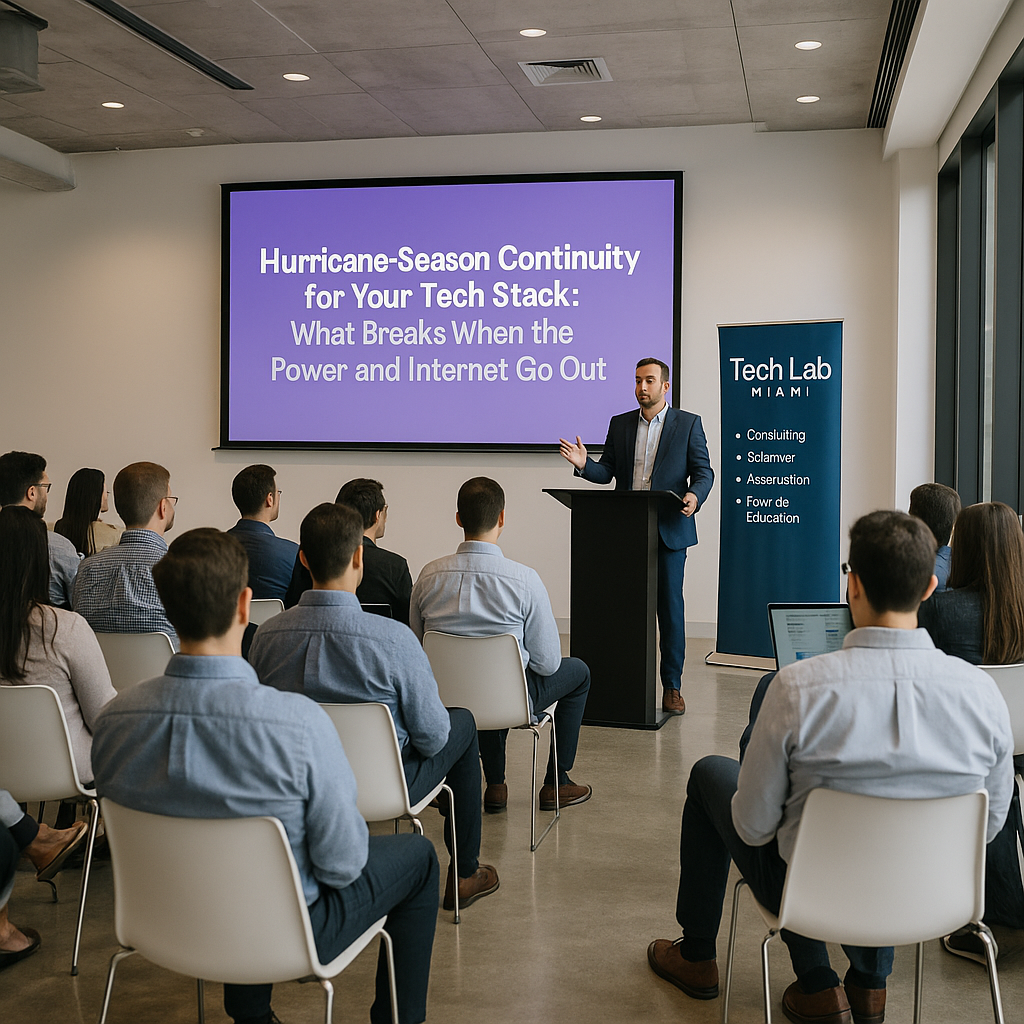

Hurricane-Season Continuity for Your Tech Stack: What Breaks When the Power and Internet Go Out
Picture this. The storm passed overnight and your building is fine. Then you open your laptop. The office router is dark, your cable provider has no restoration estimate, and the cell network is so congested your texts take minutes to send. Your customer data sits safely in the cloud, but you can't reach it. Your team is spread across three counties, and nobody knows whether you're open.
That's what hurricane business continuity usually looks like for a South Florida company. The roof holds. The dependencies fail. This guide covers what tends to break when power and internet go out, and the decisions you should make before the next cone appears on the map.
The timing is relevant even in October. According to NOAA, the Atlantic season runs from June 1 to November 30. It peaks around September 10, and most activity falls between mid-August and mid-October. Several weeks of season remain, which leaves time to fix the gaps before the next one starts.
Start with one question: what has to work at hour 1, 24, and 72?
Most continuity plans fail because they begin with tools ("we need a generator," "we need cloud backup") when they should begin with outcomes. Ready.gov's business continuity resource worksheet asks you to estimate the people, equipment, technology, and data you'll need at 24 hours, 72 hours, and one week after a disaster. Do that exercise first and the rest of this article becomes a shopping list with a reason behind every item.
For each critical function, such as taking payments, answering customers, running payroll, or shipping orders, write down two numbers:
- Recovery time objective (RTO): the longest the function can be down before the damage becomes serious.
- Recovery point objective (RPO): how much data you can afford to lose, measured in time. One hour of transactions? One day?
These aren't just consultant jargon. Ready.gov's IT disaster recovery guidance says the recovery time for any IT resource should match the recovery time objective of the business function that depends on it. It also says your business impact analysis should define the recovery point objective for data. If payments have a four-hour RTO and your payment terminal needs office internet, you've found your first gap.
What actually breaks: a dependency map
Walk through your stack and ask what each piece needs in order to work. Here are the failure points that tend to catch small business owners off guard:
| System | Hidden dependency | Decision to make now |
|---|---|---|
| Cloud apps (CRM, email, accounting) | A working internet connection on the user's end | Which devices and which second connection will your team use? |
| VoIP phone system | Office power, office internet, or both | Can calls forward automatically to mobile phones? Who sets that up, and from where? |
| Card terminals and POS | Local network, power, and processor connectivity | Does your processor support offline mode or a mobile backup reader? |
| Multi-factor authentication | A hardware key or desk phone left at the office | Does every admin have backup codes or a second authenticator stored securely off-site? |
| On-premises server or NAS | Power, cooling, and a building that stays dry | Is there a current off-site copy, and has anyone restored from it? |
| Domain, DNS, and website | One person's login and one person's phone number | Do at least two people have access to the registrar and hosting accounts? |
| Your team | Evacuations, family obligations, no power at home | Who is the backup for each critical task? |
The last row matters most. A perfect architecture means little if the only person who knows the admin password evacuated to Orlando without a laptop.
Build a cloud backup plan that survives a flooded office
"It's in the cloud" isn't a backup plan. A synced folder copies deletions and ransomware damage as faithfully as it copies good files. CISA's small business backup guidance recommends the 3-2-1 rule: three copies of important files, on two different types of storage media, with one copy kept off-site, away from your business location.
For a South Florida business, "off-site" should mean outside the storm's path, not a drive at the owner's house two miles away. In practice, that means:
- Back up your SaaS data, too. Your email, file storage, and CRM providers keep their services running. That's not the same as protecting you from an accidental deletion or a compromised account.
- Keep one copy offline or isolated. CISA advises protecting backups with physical security, encryption, and offline copies.
- Test restores, not just backup jobs. According to CISA, your team should be able to restore data quickly, both fully and partially, and roll back at least seven days if needed.
- Plan for no internet. CISA also advises knowing how to reach critical files without an internet connection. Keep a small encrypted set of essentials, such as contact lists, insurance policies, vendor account numbers, and the continuity plan itself, available offline on a company laptop.
Run a restore test before the storm, not during it. A backup you've never restored is a hope, not a plan. Ready.gov makes the same point: document the IT recovery plan inside your business continuity plan and test it periodically to confirm it works.
Power: decide what stays on and what shuts down cleanly
You don't need to power everything. You need to power the few things your 24-hour list depends on and shut down the rest cleanly.
- Battery backup (UPS) is for orderly shutdowns and short blips. It buys minutes, not days. Use it to protect servers, network gear, and storage from a hard power loss.
- Generators are for longer outages, and they carry real safety risks. Ready.gov says generators and fuel should always be used outdoors and at least 20 feet from windows, doors, and attached garages, with working carbon monoxide detectors installed. Bring in a licensed electrician for anything connected to building wiring.
- Decentralize where you can. If your critical work runs on cloud apps and laptops, "power" becomes a question of charging a few devices wherever electricity is available, which is a much smaller problem.
One Florida-specific detail: the Florida Division of Emergency Management notes that as of July 1, 2025, many preparedness supplies, including batteries and portable generators, are permanently exempt from Florida sales tax. Check the current rules before you buy.
Connectivity: a second path that doesn't share the same weakness
A backup internet line from the same provider, running through the same pole, isn't redundancy. Pick a second path that fails differently. If your primary connection is cable or fiber, the backup should use a different technology, such as cellular hotspots or another wireless option. Then confirm that the devices your team actually needs can switch over without an IT visit.
Voice networks get congested after disasters as well. CISA runs the Wireless Priority Service (WPS), which gives authorized devices priority calling across nationwide carrier networks. Most small businesses won't qualify. Eligibility centers on essential personnel in government, NGOs, and private-sector organizations within critical infrastructure sectors such as communications, energy, healthcare, financial services, and food and agriculture. If your company supports one of those sectors, look into it now. Everyone else should assume voice calls may fail and plan to rely on text messages and asynchronous tools.
Communication: the part of the stack that isn't software
FDEM is direct on this point: business owners should have a business continuity plan and procedures for communicating with employees before, during, and after a disaster. The state also offers a free planning tool at FloridaMakeAPlan.com.
Make these decisions ahead of time:
- One check-in channel for staff, plus a fallback if that channel is down.
- Pre-written customer messages for "closed," "operating remotely," and "back open," ready to post to your website, email list, and social accounts.
- Who can publish. At least two people should be able to update the website and send the customer email.
- A printed contact sheet. Phones die, so keep a paper list of staff, key vendors, your ISP, your insurer, and your bank.
A storm-week timeline you can actually follow
NOAA's National Hurricane Center issues tropical weather outlooks out to seven days, so you usually get a warning window. Follow the NHC and your county emergency management office, and tie your actions to the forecast:
- When a system appears in the outlook: Confirm your latest backup completed. Run a quick restore of one file. Check that admin backup codes and the offline essentials folder are current.
- When your area enters the forecast cone: Charge every laptop, phone, hotspot, and power bank. Test call forwarding. Remind staff of the check-in channel.
- About 24 hours out: Shut down and unplug on-premises equipment you don't need running. Move hardware off the floor and away from windows. Send staff home with their laptops.
- After the storm: Check in with your team first, then run systems in order of your RTO list, starting with what customers need.
After the storm: re-entry and recovery
Don't rush back to the office to reboot the server. FDEM's guidance for businesses puts safety first on re-entry and says to follow local emergency management's instructions on when it's safe to return. It also recommends photographing or recording all damage before making repairs and completing the state's online Business Damage Assessment, which helps direct relief.
Before you power equipment back on, inspect it for water exposure. Bring systems back gradually rather than all at once. Then hold a short debrief while the details are fresh: what failed, what worked, and what you'll change before next June.
Frequently Asked Questions
What should I do if I lose internet access?
Switch to a backup connection that uses a different technology from your primary line, such as a cellular hotspot if you normally rely on cable or fiber. Decide in advance which tasks continue offline, and keep critical files available without the internet, as CISA recommends.
How can I ensure my data is safe during a hurricane?
Follow the 3-2-1 rule: three copies, two types of storage, one off-site. Keep at least one copy encrypted and offline or isolated, and regularly test that you can restore it. Store the off-site copy outside the region the storm is likely to hit.
What are the key elements of a tech stack for hurricane preparedness?
Defined recovery targets (RTO and RPO) for each critical function, tested backups, a second connectivity path, safe backup power for essentials only, shared admin access with off-site MFA recovery codes, and a written communication plan. Ready.gov's Ready Business program offers hazard-specific toolkits for hurricanes and power outages to help structure this work.
How often should I review my disaster recovery plan?
At least once a year before June 1, and whenever your stack changes, such as a new phone system, a new payment processor, a new office, or a key employee leaving. Every review should include an actual restore test.
Visuals